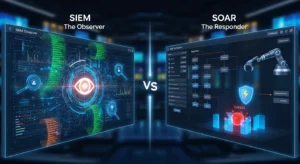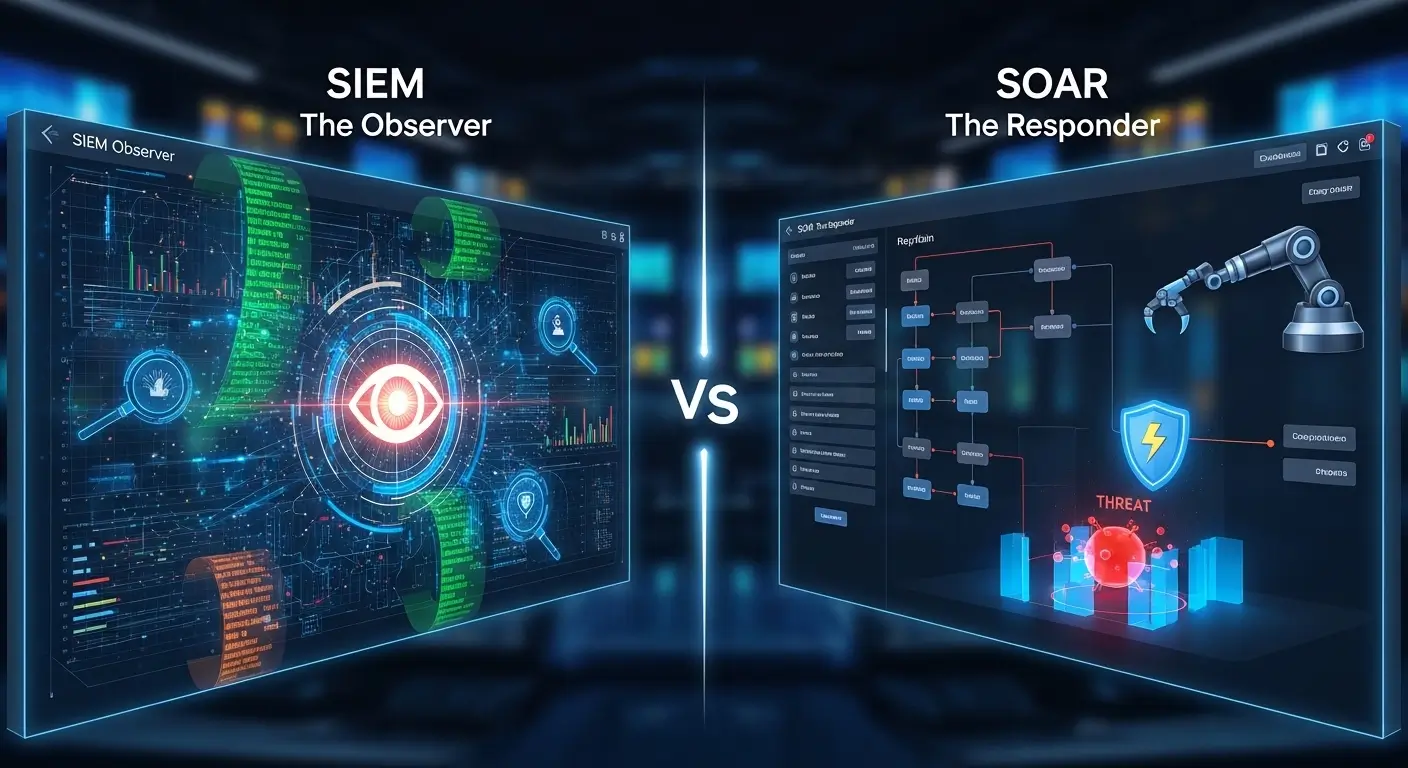
Imagine a large corporate office facing constant cyber threats. Employees notice unusual login patterns, and confidential data seems at risk. Here, two crucial tools, SIEM (Security Information and Event Management) and SOAR (Security Orchestration, Automation, and Response), step in. SIEM collects and analyzes logs from multiple sources, alerting security teams about anomalies. Meanwhile, SOAR goes a step further by automating responses and coordinating actions to mitigate threats efficiently.
Understanding the difference between SIEM and SOAR is vital for IT professionals and organizations to maintain a secure environment. Pronounced as /ˈsaɪɛm/ (US & UK) for SIEM and /sɔːr/ (UK), /sɔːr/ (US) for SOAR, these tools are complementary but not identical. For anyone learning cybersecurity, grasping their distinction can prevent costly errors and improve organizational safety.
Let’s dive deeper to uncover the key differences, examples, and practical applications of SIEM and SOAR.
Key Difference Between SIEM and SOAR
Why Understanding Their Difference Matters
Knowing the difference between SIEM and SOAR helps organizations respond faster to threats, improve system efficiency, and reduce human error. In society, this knowledge is crucial because cyberattacks can disrupt businesses, government operations, and even public safety. Security professionals must understand how SIEM alerts, and SOAR automates response, to create a holistic defense mechanism.
Difference Between SIEM and SOAR
Here are 10 points of difference, with simple examples for clarity:
Functionality
- SIEM: Monitors and analyzes security events.
Example 1: A SIEM detects multiple failed logins on a server.
Example 2: SIEM logs suspicious email activity. - SOAR: Automates responses based on alerts.
Example 1: SOAR blocks IPs after repeated failed logins automatically.
Example 2: Sends automatic threat reports to management.
Purpose
- SIEM: Mainly for detection.
Example 1: Detects malware spread.
Example 2: Monitors unauthorized file access. - SOAR: Mainly for response and coordination.
Example 1: Automatically isolates infected systems.
Example 2: Escalates alerts to proper teams.
Automation
- SIEM: Limited automation.
Example 1: Triggers alerts only.
Example 2: Requires manual investigation. - SOAR: High-level automation.
Example 1: Executes predefined workflows.
Example 2: Correlates incidents from multiple sources.
Integration
- SIEM: Integrates with log sources.
Example 1: Pulls data from firewalls.
Example 2: Collects endpoint logs. - SOAR: Integrates with security tools for action.
Example 1: Integrates with antivirus to quarantine threats.
Example 2: Works with incident ticketing systems.
Complexity
- SIEM: Easier to set up for monitoring.
Example 1: Cloud-based SIEM deployment.
Example 2: On-premises server monitoring. - SOAR: More complex due to workflow creation.
Example 1: Designing automated phishing response.
Example 2: Multi-step alert escalation setup.
Response Time
- SIEM: Alerts in real-time but manual action required.
Example 1: Sends email about suspicious access.
Example 2: Needs analyst to review logs. - SOAR: Immediate response possible.
Example 1: Blocks threat automatically.
Example 2: Notifies all relevant stakeholders instantly.
Analytics
- SIEM: Focus on log correlation and analytics.
Example 1: Detects patterns across servers.
Example 2: Tracks repeated failed logins. - SOAR: Focus on decision-making and automation.
Example 1: Determines if alert needs escalation.
Example 2: Automates remediation workflow.
User Interaction
- SIEM: Analysts interact frequently.
Example 1: Reviewing dashboards.
Example 2: Investigating flagged events. - SOAR: Analysts rely less on manual steps.
Example 1: Automates ticket creation.
Example 2: Sends auto-responses to incidents.
Cost
- SIEM: Usually cheaper for small teams.
Example 1: Cloud SIEM subscription.
Example 2: Small-scale log monitoring. - SOAR: Higher cost due to automation and integration.
Example 1: Enterprise automation suite.
Example 2: Requires specialized configuration.
Outcome
- SIEM: Detection and reporting.
Example 1: Logs suspicious events.
Example 2: Provides audit trails. - SOAR: Proactive threat neutralization.
Example 1: Automatically shuts down malicious connections.
Example 2: Resolves incidents faster.
Nature and Behaviour
- SIEM: Passive, alert-based, focused on logging and analytics.
- SOAR: Active, workflow-driven, focused on automation and response.
Why People Are Confused
Many confuse SIEM and SOAR because both deal with cybersecurity incidents. However, SIEM detects while SOAR acts. Without understanding their unique roles, organizations may underutilize either tool.
Difference & Similarity Table
| Feature | SIEM | SOAR | Similarity |
| Function | Detection & logging | Automated response | Enhance cybersecurity |
| Automation | Limited | High | Both support workflows |
| Integration | Logs from sources | Tools for action | Connect with security systems |
| User Interaction | High manual effort | Less manual effort | Require analyst oversight |
| Cost | Lower | Higher | Scales with organization size |
Which Is Better in What Situation?
- SIEM: Best for organizations needing comprehensive monitoring and detailed reports. Ideal for detecting patterns and compliance tracking.
- SOAR: Best when rapid, automated response is crucial. Useful for high-volume alerts where manual handling is slow or error-prone.
Metaphors & Similes
- SIEM: “SIEM is like a security camera watching every corner.”
- SOAR: “SOAR acts like a firefighter putting out fires automatically.”
Connotative Meaning
- SIEM: Neutral – example: SIEM provides insights without acting.
- SOAR: Positive – example: SOAR prevents threats proactively.
Idioms/Proverbs
- “Forewarned is forearmed” – relates to SIEM detecting threats early.
- “Strike while the iron is hot” – relates to SOAR automating immediate response.
Works in Literature
- Cybersecurity manuals often mention SIEM and SOAR:
- Cybersecurity for Beginners by Raef Meeuwisse, 2017 (Non-fiction)
- Security Automation Techniques by Alan Calder, 2019 (Technical Guide)
Movies
- No direct movies, but documentaries on cybersecurity threats indirectly reference these tools:
- Zero Days (2016, USA)
- Cyberwar (2016, Germany/USA)
FAQs
Can SIEM replace SOAR?
No, SIEM detects, SOAR responds. They are complementary.
Is SOAR necessary if I have SIEM?
Yes, SOAR automates responses, reducing manual workload.
Which is easier to implement?
SIEM is generally simpler; SOAR requires workflow design.
Do they integrate?
Yes, SOAR often works on top of SIEM alerts.
Are both useful for small companies?
Yes, SIEM for monitoring, SOAR for automated efficiency.
How Both Are Useful for Surroundings
SIEM and SOAR collectively protect digital infrastructure, safeguarding businesses, healthcare systems, and public utilities. They reduce cyber risks and prevent disruptions that affect society at large.
Final Words
While SIEM and SOAR serve different functions, they are complementary. Learning their differences equips professionals to detect and respond to threats efficiently. Together, they form a robust cybersecurity ecosystem.
Conclusion
Understanding the difference between SIEM and SOAR is critical for modern cybersecurity. SIEM monitors, detects, and logs incidents, while SOAR automates responses and coordinates security actions.
Organizations leveraging both tools can improve response times, reduce human errors, and enhance overall digital safety. Professionals must grasp their unique functions to maximize effectiveness. In a world where cyber threats are constant, knowing when to rely on SIEM or SOAR ensures resilient, proactive security management.

Jordan L. Carter is a contributing language analyst at WordCompares.com, focusing on modern English usage, evolving vocabulary trends, and digital communication language. With over a decade of writing experience, Jordan provides insightful word comparisons that make complex language differences simple for everyday readers.