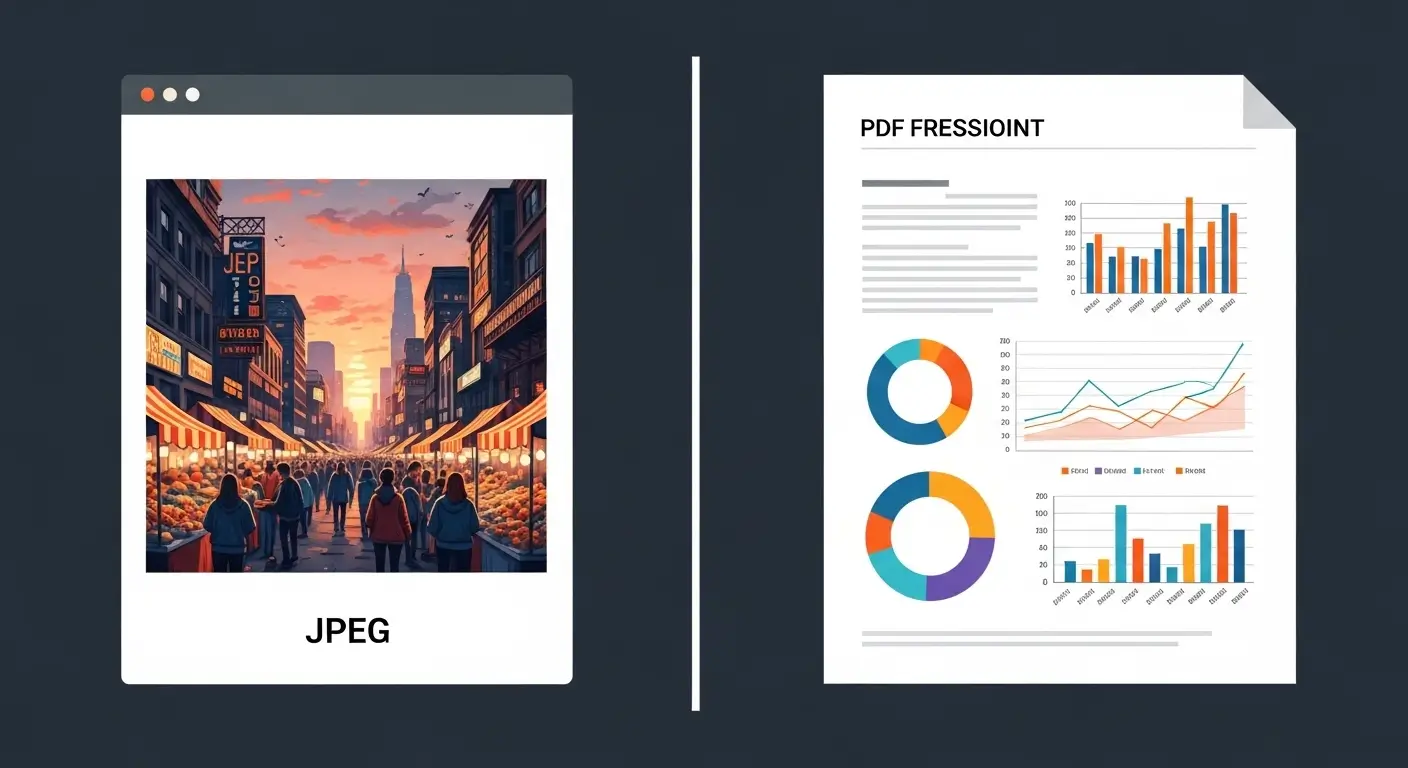
Both JPEG and PDF serve unique purposes, yet many beginners and even professionals often confuse them. Understanding the difference between JPEG and PDF is essential for designers, students, and office workers alike. In this article, we’ll explore how these formats differ, their behavior, and when to use each, making the learning process practical and intuitive.
In today’s digital age, images and documents travel faster than ever. Two common formats you encounter are JPEG and PDF. Imagine you’re at a photography exhibition, capturing a stunning sunset; you save your photo as a JPEG, ready to share on social media. Later, you compile your photographs into a portfolio and save it as a PDF to send to a client.
Pronunciation:
- JPEG: US /ˈdʒeɪpɛɡ/, UK /ˈdʒeɪpɛɡ/
- PDF: US /ˌpiːdiːˈɛf/, UK /ˌpiːdiːˈɛf/
Before diving deeper, let’s see why knowing this difference matters in our daily digital tasks.
Why Knowing the Difference is Necessary
Understanding the difference between JPEG and PDF is more than technical jargon. It helps in choosing the right format for work, study, or creative projects. JPEG is perfect for photographs and social media sharing, while PDF preserves layouts, fonts, and documents professionally. Misusing them can lead to quality loss, compatibility issues, or unprofessional presentations. In society, where digital communication dominates, knowing their roles ensures efficiency, clarity, and credibility.
Linking Hook:
Now that we know why this knowledge is crucial, let’s explore the detailed differences between JPEG and PDF.
Difference Between JPEG and PDF
Here are 10 key points highlighting how JPEG and PDF differ:
1. File Type
- JPEG: Image file format (.jpeg, .jpg).
- Example 1: A holiday photo saved as “beach.jpeg.”
- Example 2: Instagram post image.
- PDF: Document file format (.pdf).
- Example 1: Resumé saved as “John_Doe.pdf.”
- Example 2: E-book of recipes.
2. Purpose
- JPEG: Primarily for photographs and web images.
- Example: Sharing photos online.
- Example: Editing pictures in Photoshop.
- PDF: Preserves text and layout of documents.
- Example: Official reports.
- Example: Online forms.
3. Compression
- JPEG: Lossy compression; reduces file size but may lower quality.
- Example: Photo upload on a blog.
- Example: Digital gallery images.
- PDF: Can include both lossless and lossy elements.
- Example: High-quality scanned documents.
- Example: Printed manuals.
4. Scalability
- JPEG: Loses clarity if resized.
- Example: Enlarged vacation photo.
- Example: Banner print.
- PDF: Maintains clarity; vector-based text and graphics are scalable.
- Example: Business brochures.
- Example: Academic papers.
5. Editing Capability
- JPEG: Easy to crop, filter, or enhance.
- Example: Photoshop edits.
- Example: Mobile photo editing apps.
- PDF: Can be password-protected; editing is more complex.
- Example: Signing contracts.
- Example: Editing with Adobe Acrobat.
6. Security
- JPEG: No built-in security.
- Example: Sharing a public image online.
- Example: Profile picture.
- PDF: Can be encrypted and protected.
- Example: Confidential contracts.
- Example: Company policies.
7. Compatibility
- JPEG: Universally compatible across platforms.
- Example: Email attachments.
- Example: Web use.
- PDF: Requires PDF reader software.
- Example: Viewing e-books.
- Example: Digital forms submission.
8. File Size
- JPEG: Smaller; suitable for fast sharing.
- Example: Social media photos.
- Example: Web image galleries.
- PDF: Larger; contains multiple pages or images.
- Example: Full-length manuals.
- Example: Annual reports.
9. Nature & Behaviour
- JPEG: Raster-based; pixel-dependent.
- Example: Zooming may pixelate.
- Example: Photography display.
- PDF: Can hold vector graphics; resolution-independent.
- Example: Infographics.
- Example: Professional presentations.
10. Use Case in Society
- JPEG: Used for entertainment, online sharing, and photography.
- Example: Social media campaigns.
- Example: Family photo albums.
- PDF: Used for education, legal, and professional purposes.
- Example: E-books.
- Example: Government documents.
Table: Difference and Similarity Between JPEG and PDF
| Feature | JPEG | Similarity | |
| Type | Image file | Document file | Both digital file formats |
| Purpose | Photos, web images | Text, layouts, forms | Can contain visual content |
| Compression | Lossy | Lossless/lossy | Both reduce file size |
| Scalability | Loses clarity when resized | Maintains clarity | Both can be displayed digitally |
| Editing | Easy to edit images | Complex editing | Both can be edited with software |
| Security | No protection | Can encrypt | Both shareable digitally |
| Compatibility | Universal | Needs PDF reader | Both widely used in technology |
| File Size | Small | Larger | Both have size variation |
| Nature | Raster-based | Vector and raster | Both store visual data |
| Society Use | Social media, photography | Professional, legal, educational | Both improve digital communication |
Which is Better in What Situation?
JPEG is better when you need to share photographs or images quickly without worrying about professional formatting. For example, social media posts, digital galleries, or personal photography.
PDF excels when you need to maintain document integrity, professional formatting, or security. Examples include e-books, legal contracts, resumes, or business proposals. Choosing the correct format ensures efficiency, quality, and professionalism.
Metaphors, Similes, and Connotative Meaning
- JPEG: “A JPEG is like a snapshot of memory, vivid but fleeting.” (Positive/Neutral)
- PDF: “A PDF is like a sealed letter, precise and reliable.” (Positive/Neutral)
Idioms/Proverbs:
- “A picture is worth a thousand words” – JPEG context.
- “Don’t judge a book by its cover” – PDF context (importance of document content).
Literature and Media
In Literature:
- Digital Dreams (Novel, Alice Johnson, 2015) – PDF referenced in professional correspondence.
- Snapshots of Life (Photo Essay, Mark Lee, 2018) – JPEG images featured.
In Movies:
- The JPEG Mystery (2019, USA) – Thriller involving image files.
- PDF Files: The Hidden Truth (2021, UK) – Documentary on digital document security.
Frequently Asked Questions
- Can I convert JPEG to PDF?
Yes, using online tools or software like Adobe Acrobat. - Do PDFs support images?
Yes, PDFs can include JPEGs, PNGs, and other images. - Which format is better for printing?
PDF, because it preserves quality and layout. - Are JPEGs editable after saving?
Limited editing is possible; quality may reduce with re-saving. - Is PDF secure?
Yes, it can be password-protected and encrypted.
How Both Are Useful for Surroundings
JPEG images enhance visual communication in social media, advertisements, and art. PDFs maintain professional, legal, and educational documentation, improving digital literacy and societal workflow. Together, they shape how we store, share, and protect digital content efficiently.
Final Words
Understanding the difference between JPEG and PDF allows both beginners and experts to make informed choices in digital media. JPEG brings life to images; PDF preserves integrity and professionalism. Mastering their use is essential for digital fluency in the modern world.
Conclusion
JPEG and PDF serve distinct yet complementary roles in our digital ecosystem. JPEG files are ideal for images, social sharing, and quick uploads, while PDFs preserve layout, text, and document security. Professionals, students, and creatives must understand the difference between JPEG and PDF to ensure proper use in photography, business, and education.
By knowing their strengths, weaknesses, and behaviors, users can optimize workflows, avoid errors, and communicate more effectively. Whether it’s a photograph or a contract, the right format ensures clarity, quality, and credibility in every digital interaction.

Dr. Marcus Reed is a lead editorial author at WordCompares.com and a specialist in communication studies and written clarity. With more than 12 years of university-level teaching experience, he focuses on explaining word distinctions in a clear and structured manner. His work ensures that WordCompares.com maintains accuracy, depth, and reader trust.